Follow
Web Dashboard: Show Invoice Due Date on Document
1. From your computer, log into the Web Dashboard.
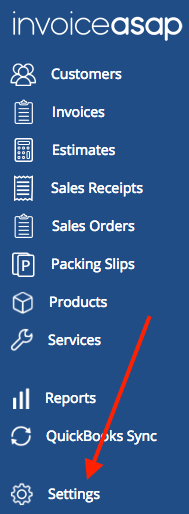
2. Click on Settings.
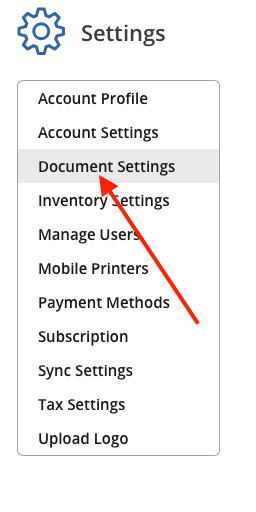
3. Click on Document Settings.
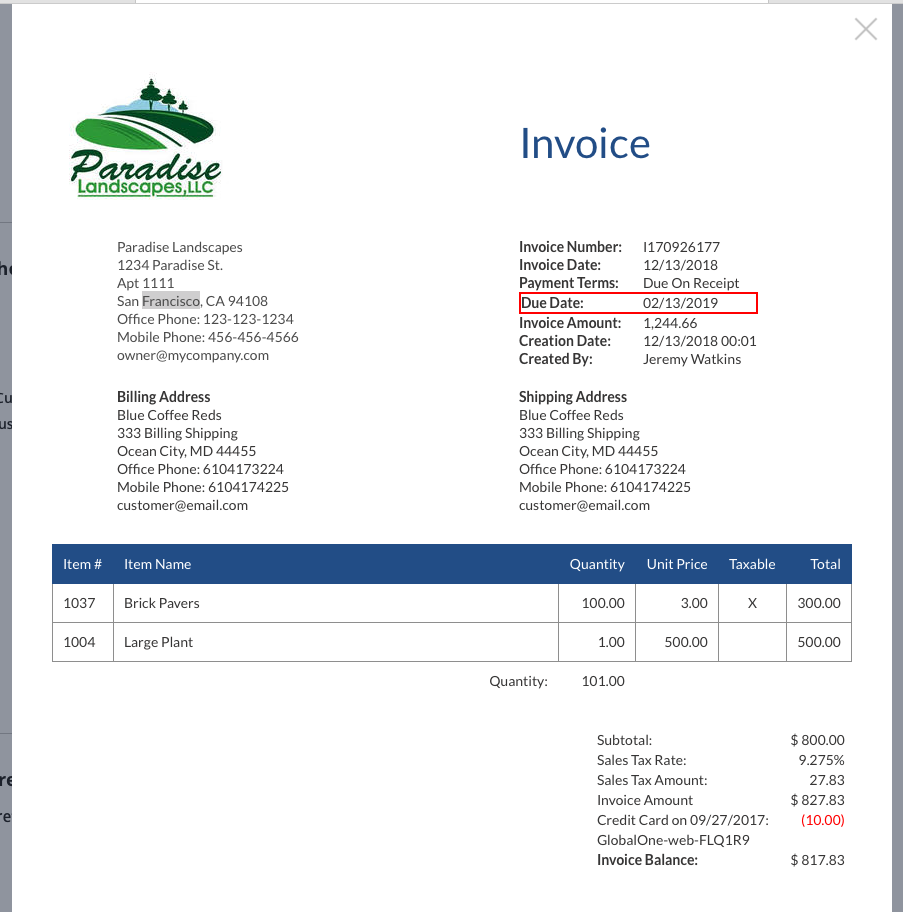
4. Below is where the Due Date will show on the document.
Have more questions?
Submit a request
0 Comments