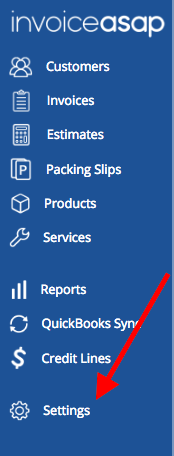
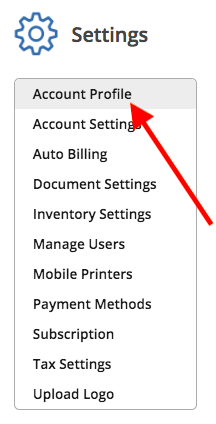
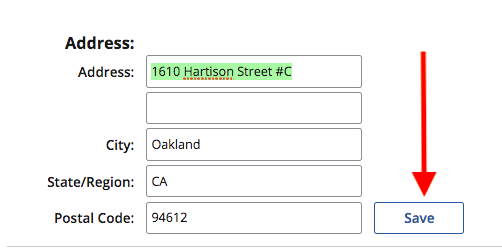
Web Dashboard: Edit My Address 1. From your computer, log into the Web Dashboard. 2. Click on Settings. 3. Click on Account Profile. 4. Edit the Address, then click Save. Have more questions? Submit a request 0 Comments Please sign in to leave a comment.
0 Comments