Follow
Web Dashboard: Edit Default Invoice Email Message
1. From your computer, log into the Web Dashboard.
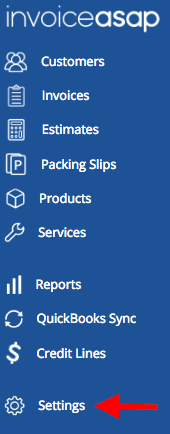
2. Click Settings.
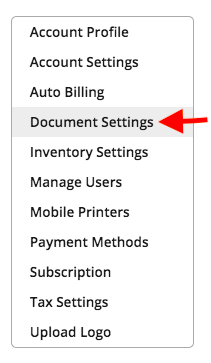
3. Click on Document Settings.
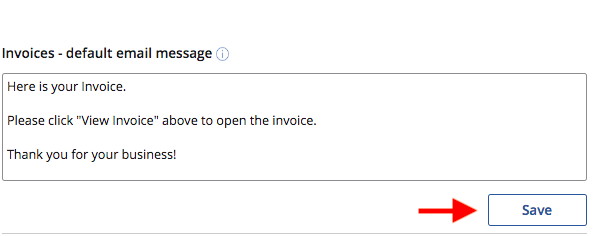
4. Change your default invoice email message, then click Save.
Have more questions?
Submit a request
0 Comments