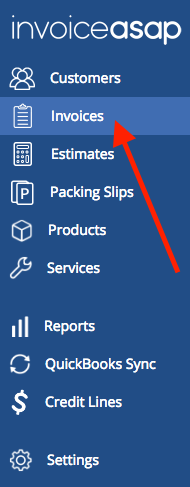
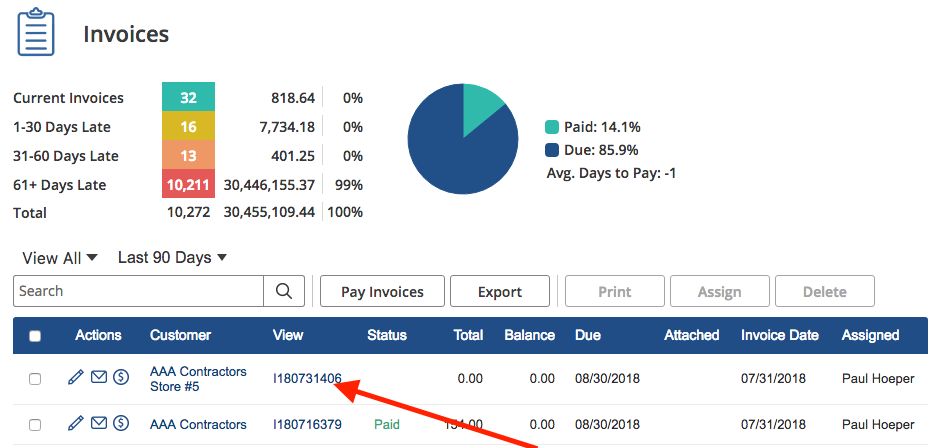
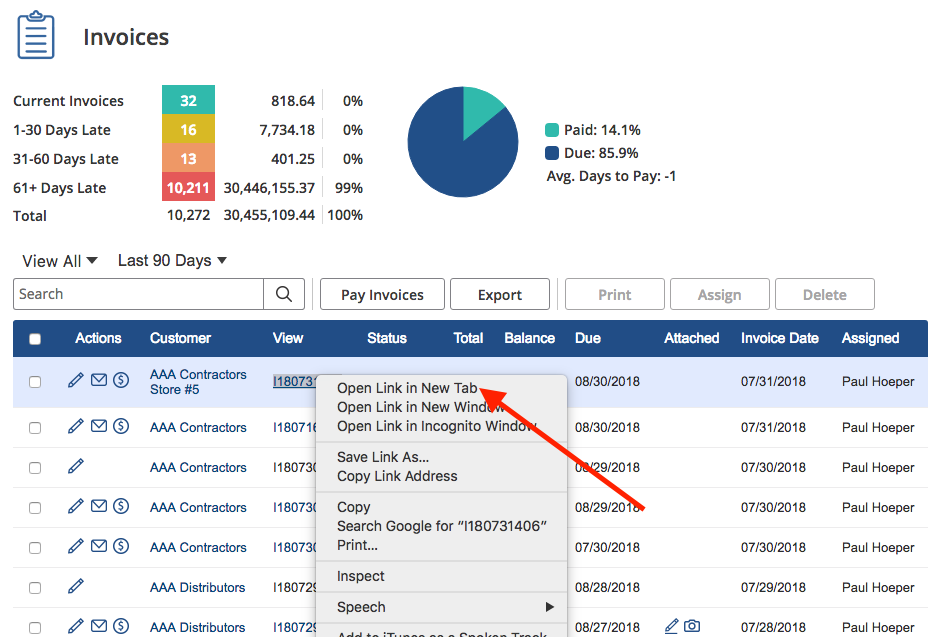
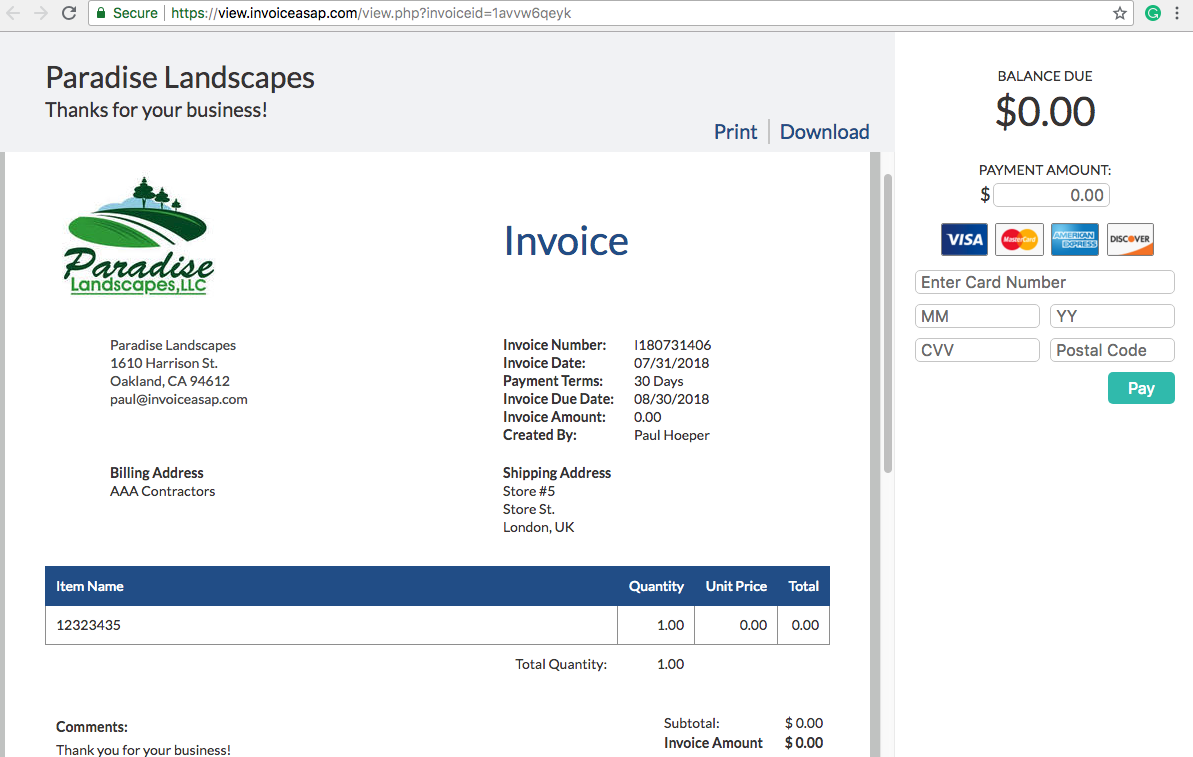
Web Dashboard: Preview Invoice from Customer View 1. Click on Invoices. 2. Right click on the invoice number. 3. Click on 'Open Link in New Tab'. 4. Here is what your customer will see. Have more questions? Submit a request 0 Comments Please sign in to leave a comment.
0 Comments