Follow

Web Dashboard: Change Time Zone

1. From your computer, log into the Web Dashboard. 


2. Click on Settings.
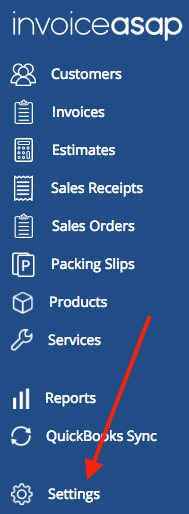
Screen_Shot_2018-04-18_at_4.42.55_PM.png


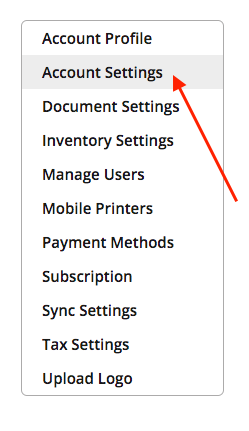
3. Click Account Settings.

Screen_Shot_2017-07-10_at_4.58.11_PM.png


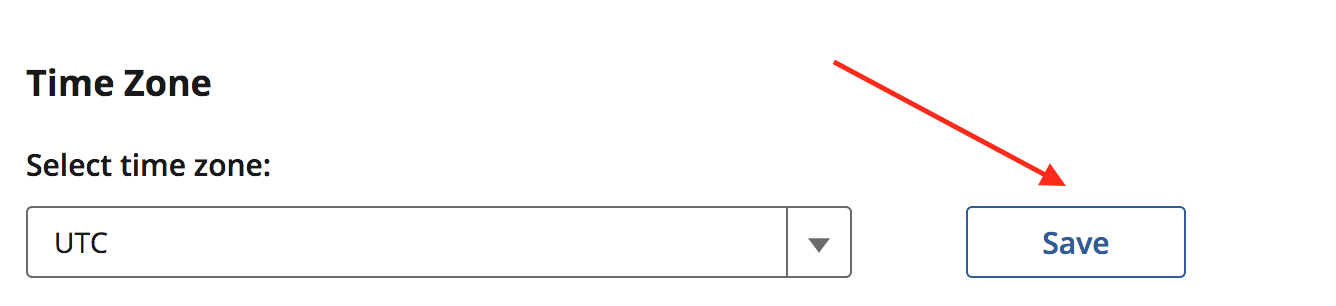
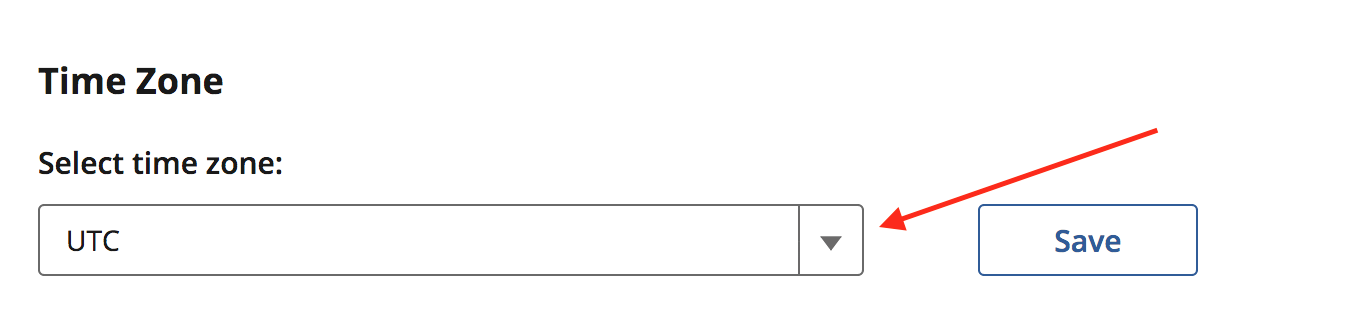
4. Click the drop down menu to change your Time Zone. 
Screen_Shot_2017-07-12_at_11.06.18_AM.png


5. Click Save.

Screen_Shot_2017-07-12_at_11.10.24_AM.png


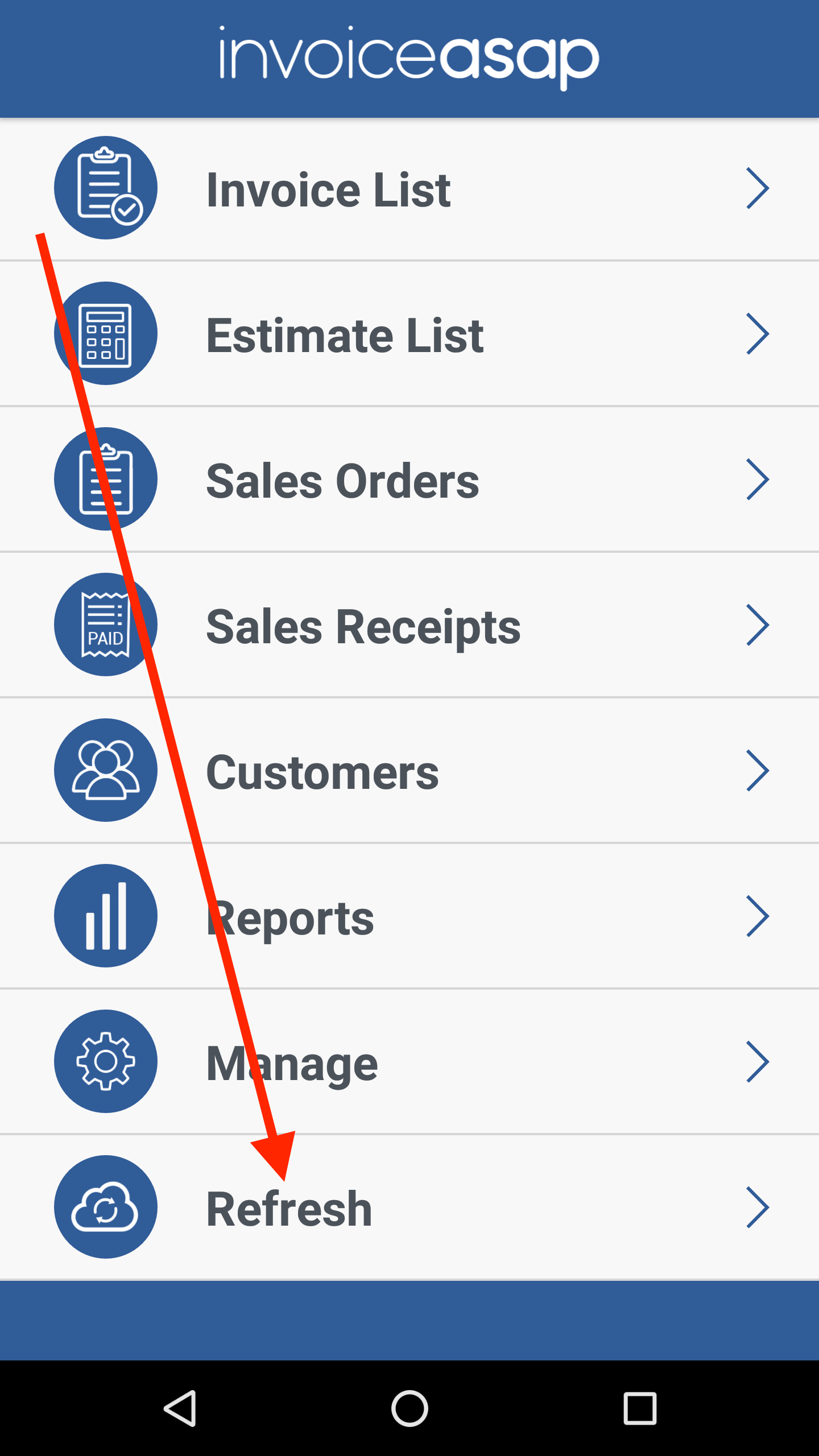
Click Refresh on mobile device.

Screenshot_20170901-154224.png

Was this article helpful?
0 out of 0 found this helpful
Have more questions? Submit a request

0 Comments

Please sign in to leave a comment.
Powered by Zendesk