Follow
Mobile App: Delete Audio Recording on the App
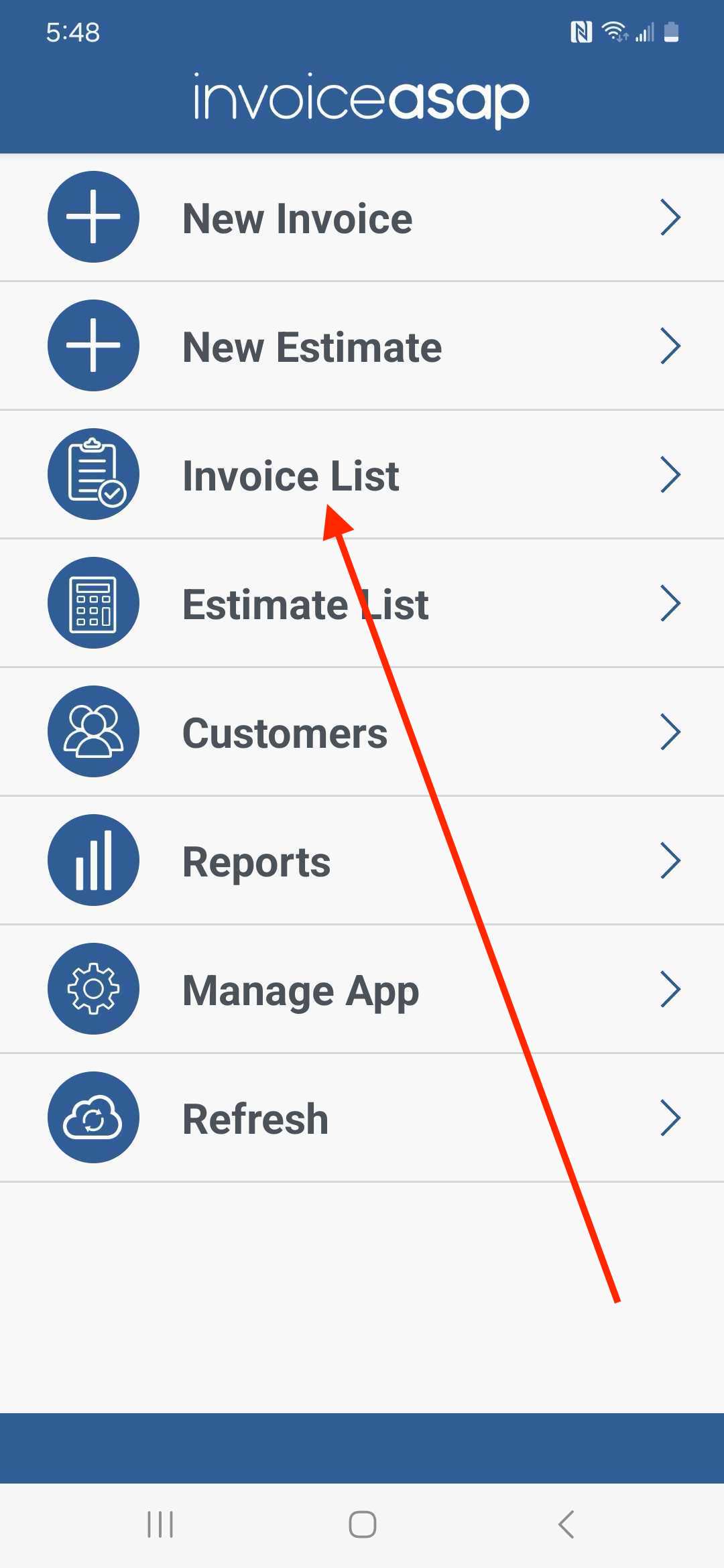
1. Tap on Invoice List.
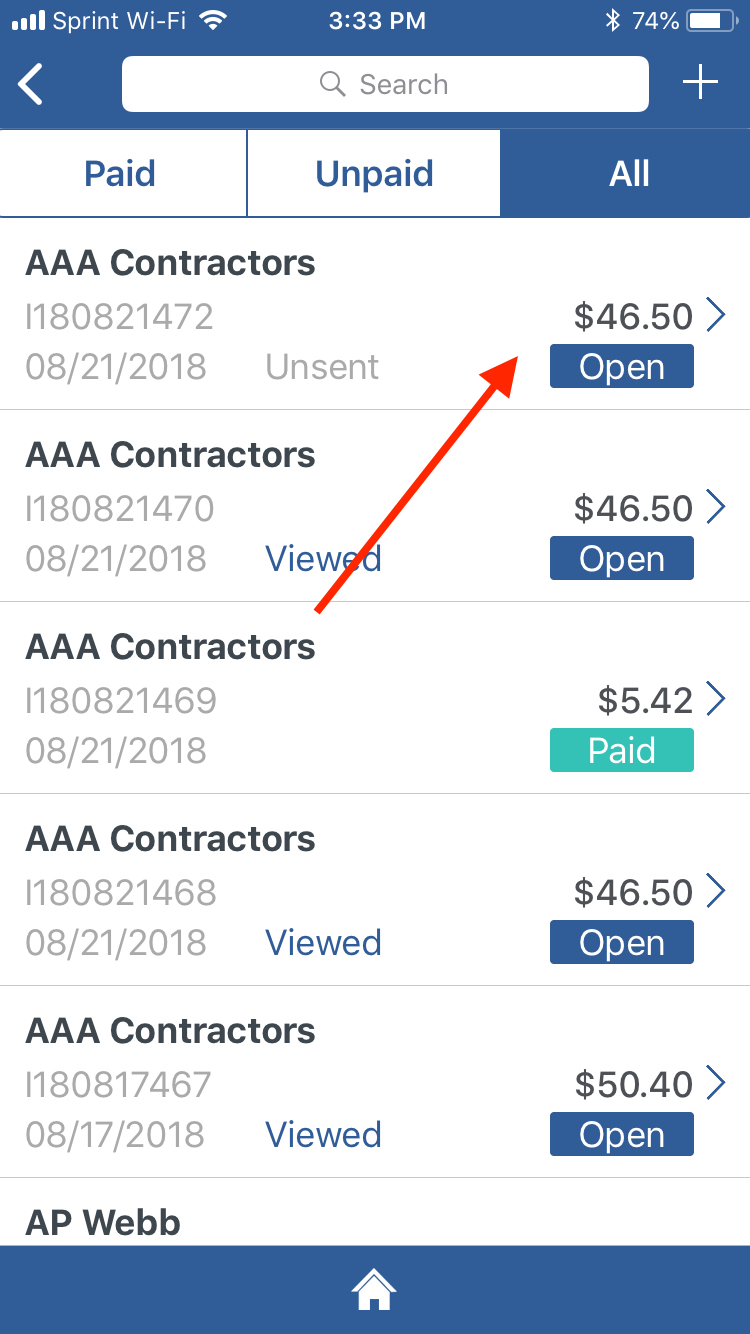
2. Tap on the Invoice you want to delete the Audio Recording.
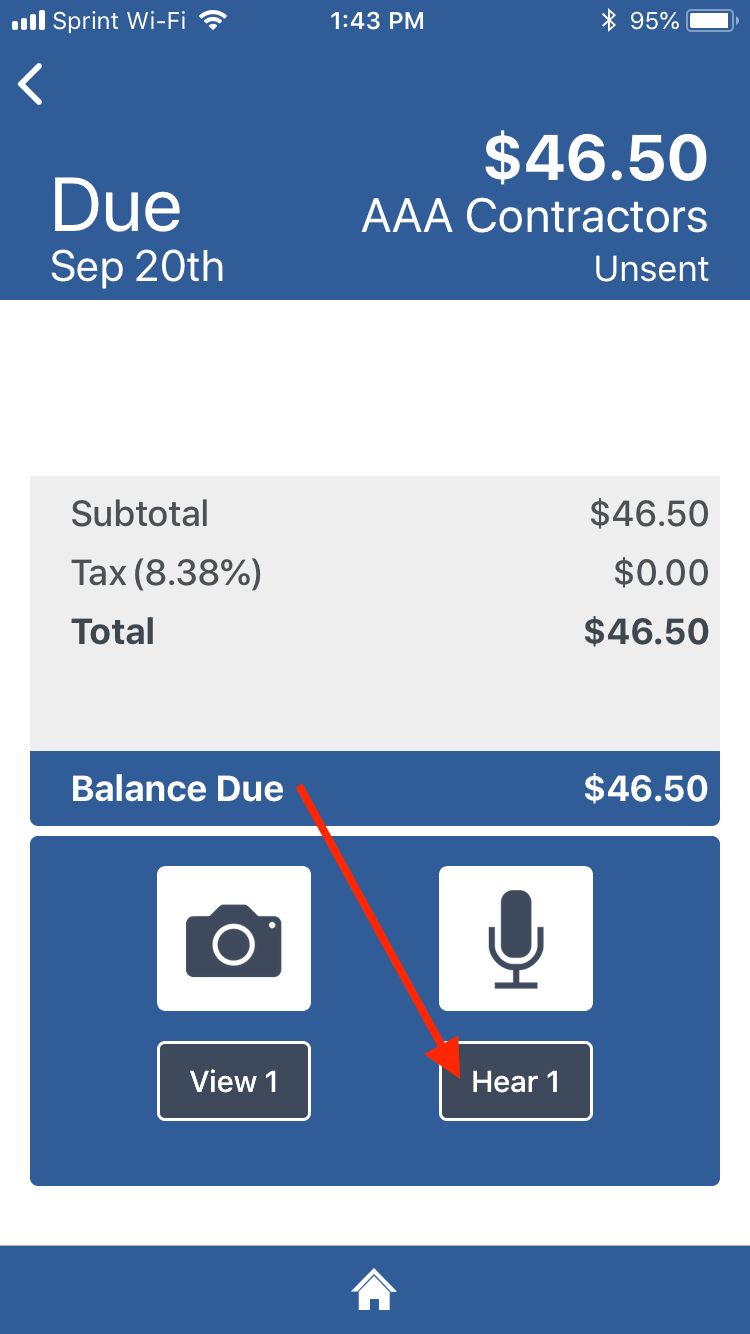
3. Scroll down and tap on the Hear text under the Microphone icon.
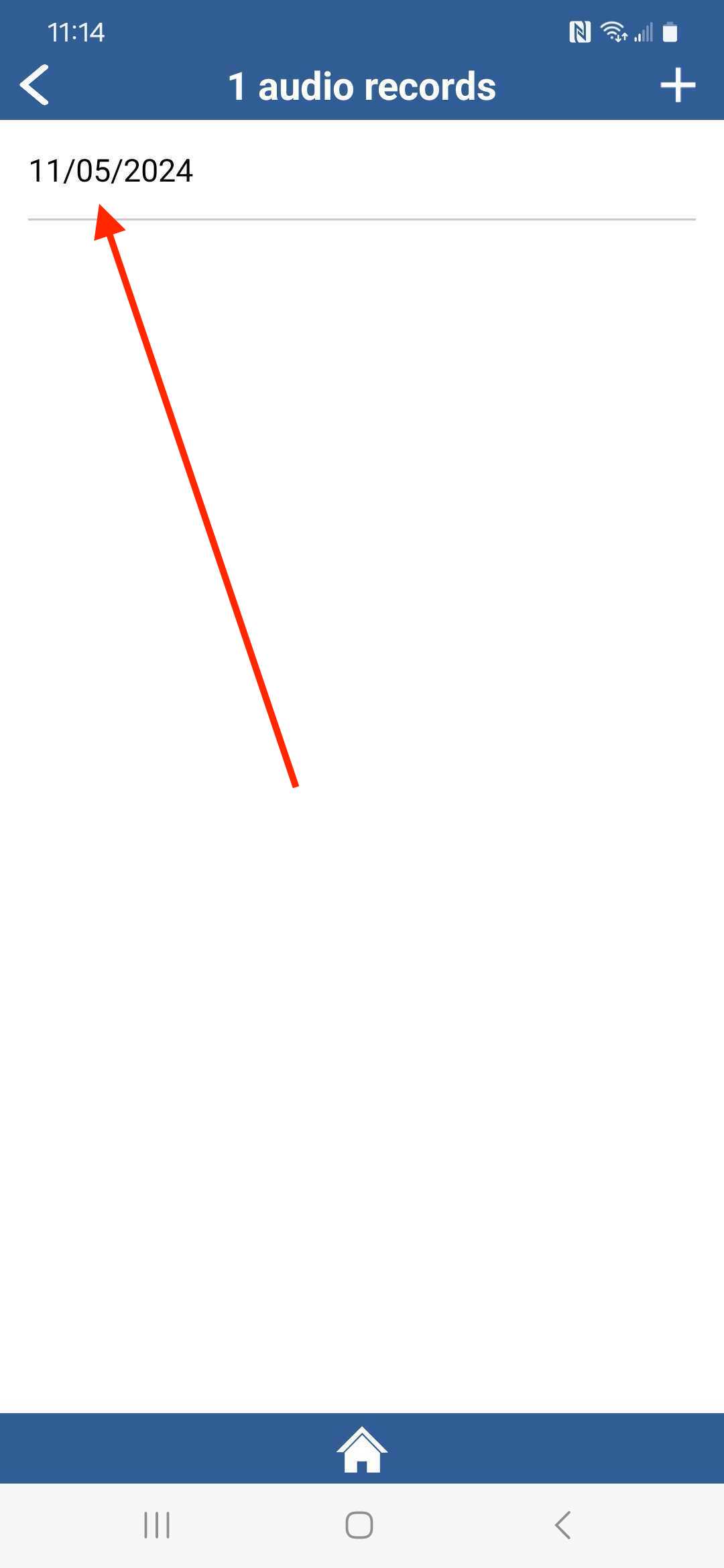
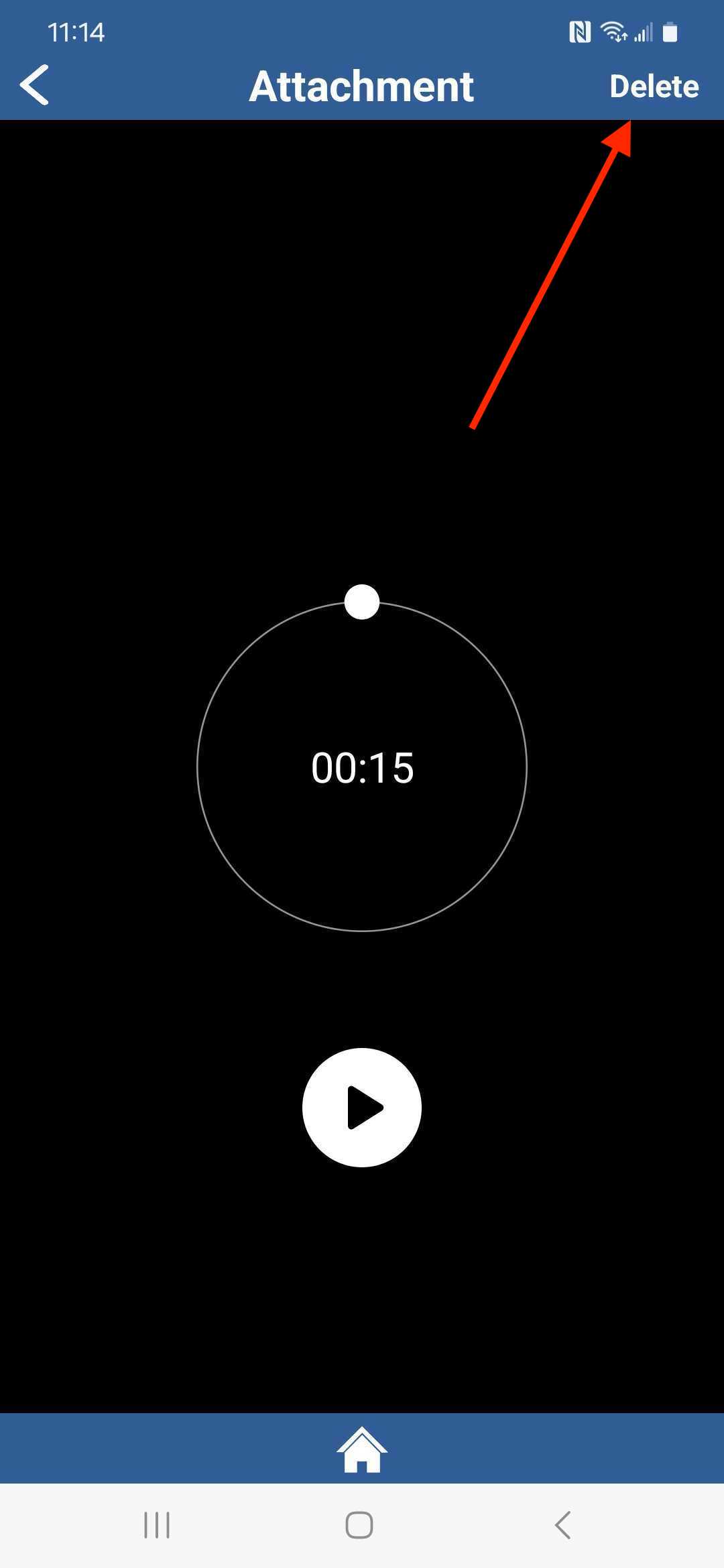
4. Tap on the Audio Recording you want to delete.
5. Tap on Delete.
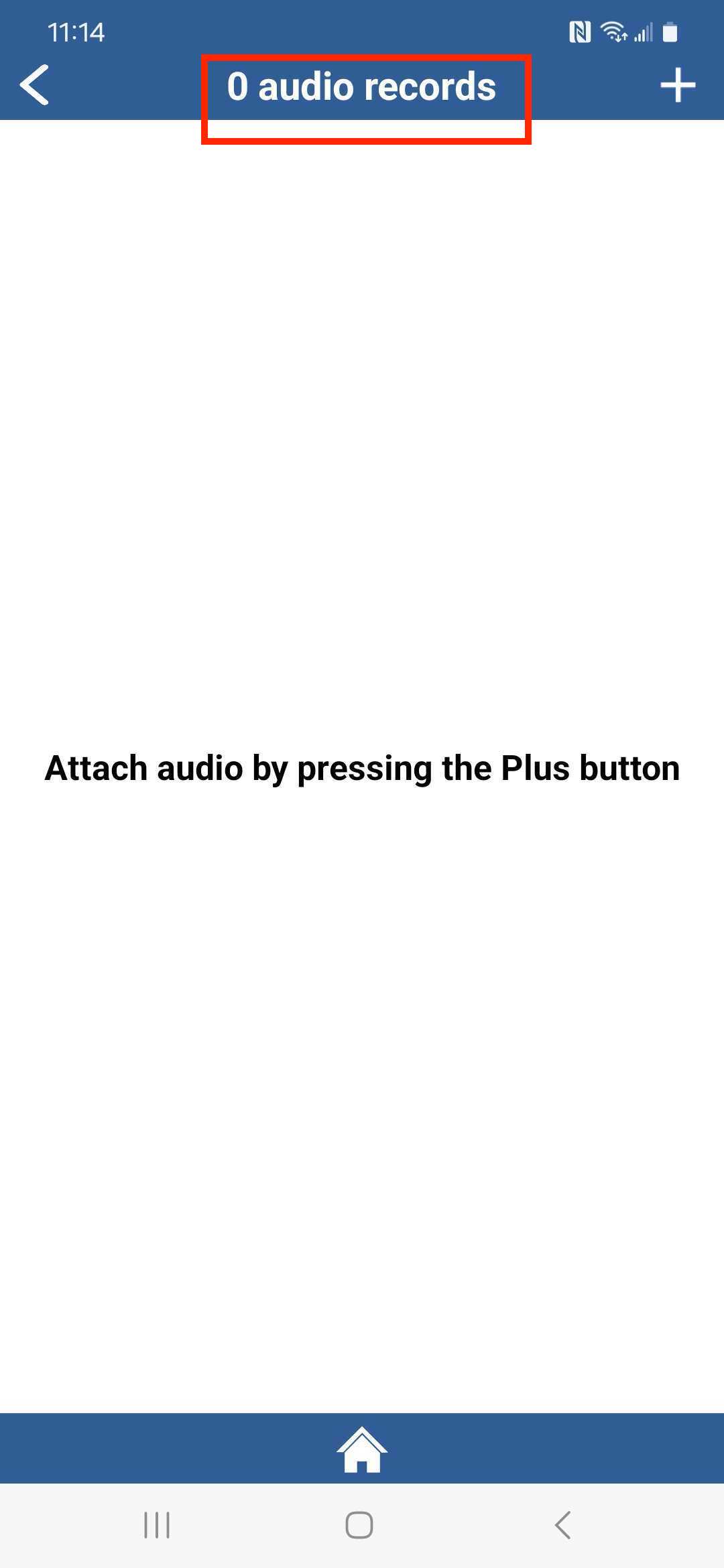
6. The Audio file has been deleted.
Have more questions?
Submit a request
0 Comments