Follow
Web Dashboard: Only Displaying Last 90 Days Invoices
1. From your computer, log into the Web Dashboard.
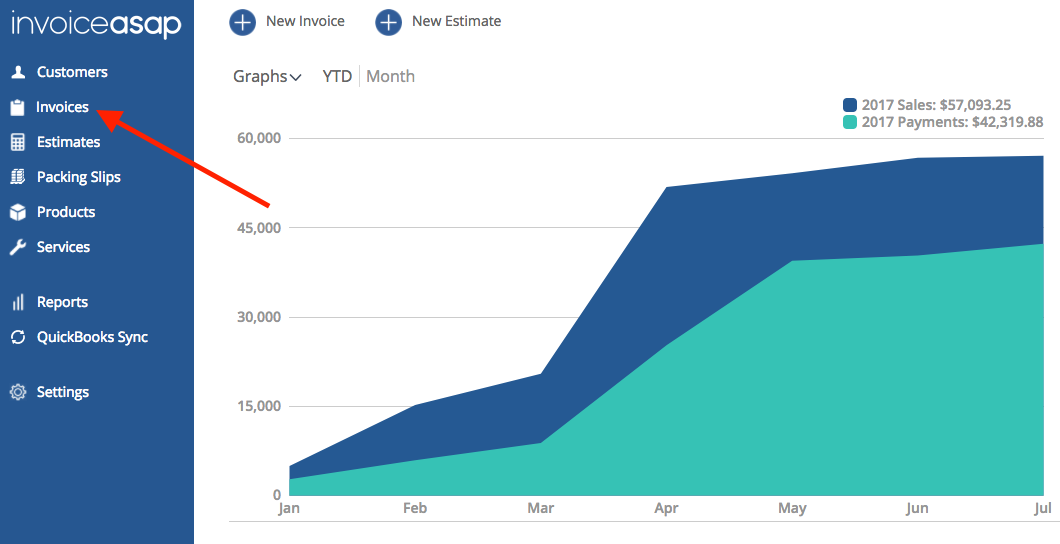
2. Click on Invoices.
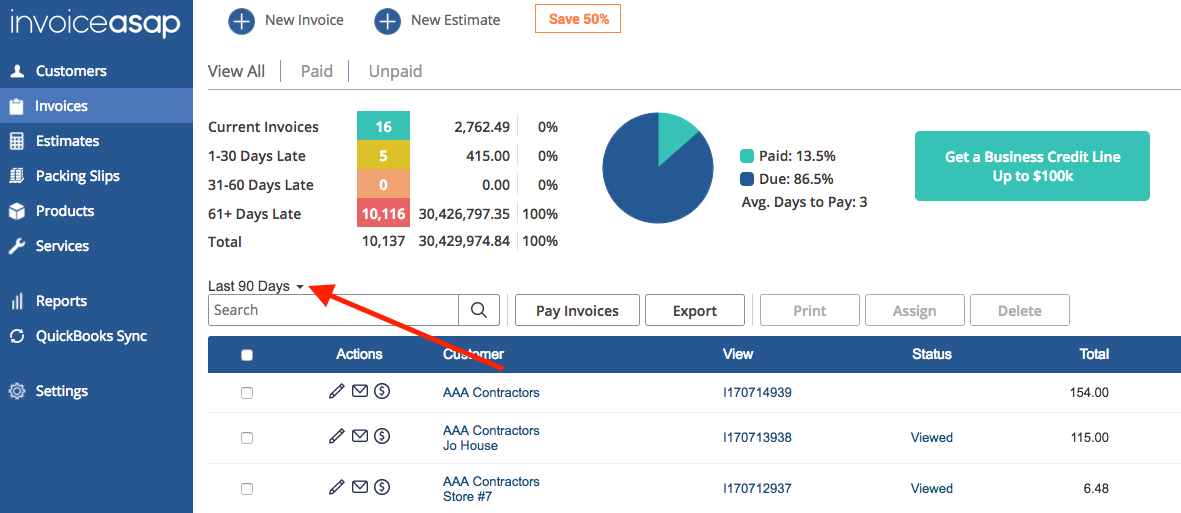
3. Now, you can only see the last 90 days of the invoice. You will need to click the down arrow to change the date.
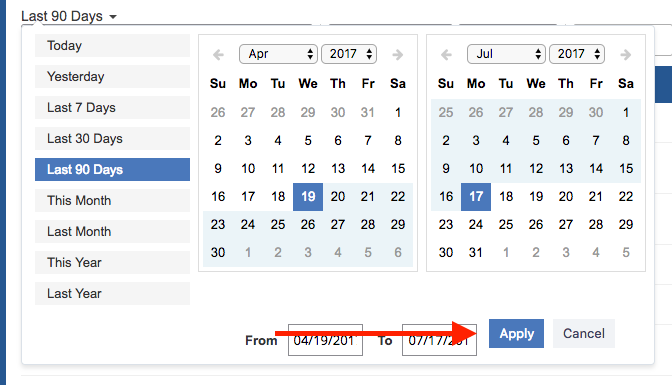
4. Select the month, day and year. Then click Apply to display the selected range.
Have more questions?
Submit a request
0 Comments