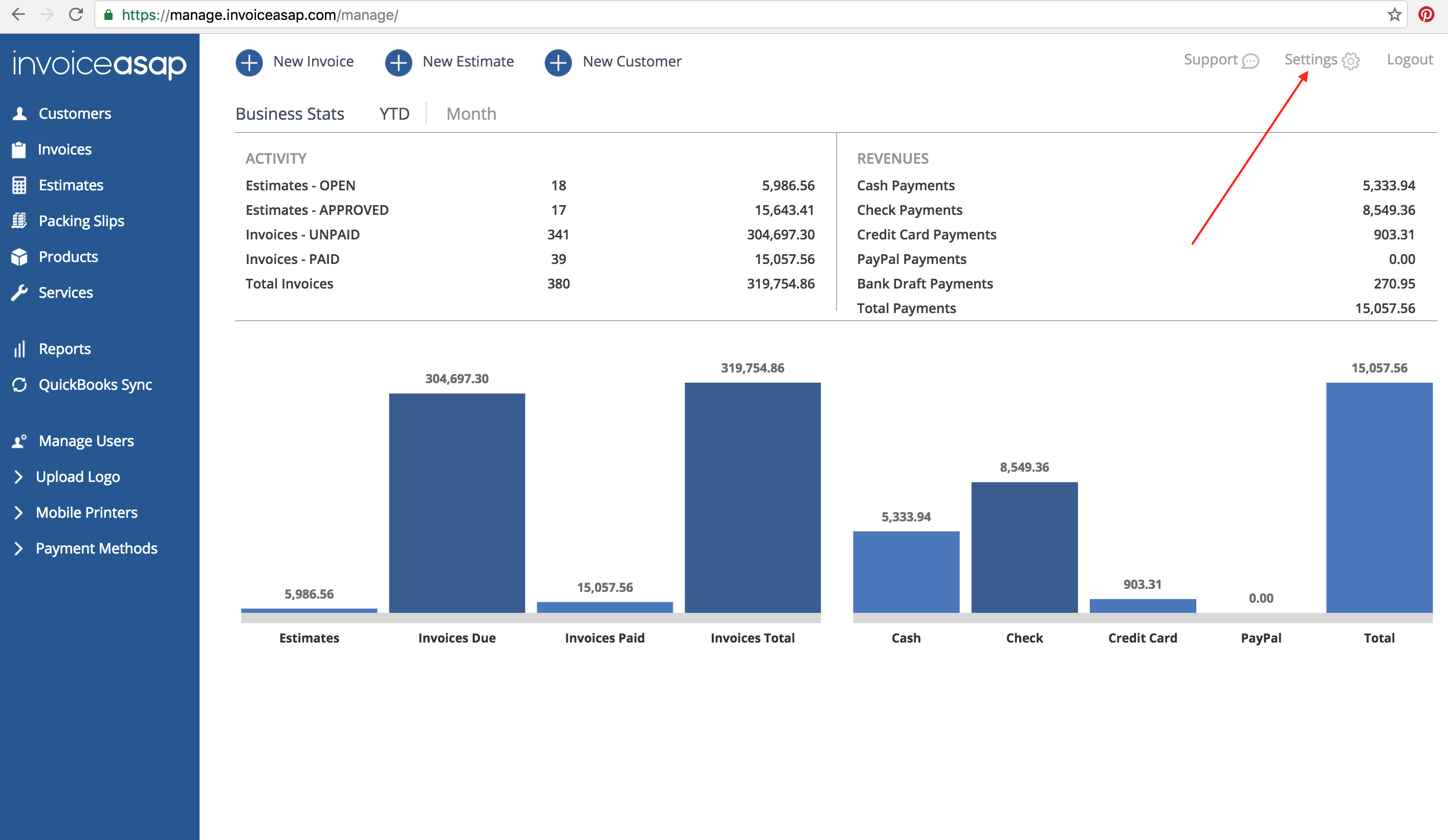
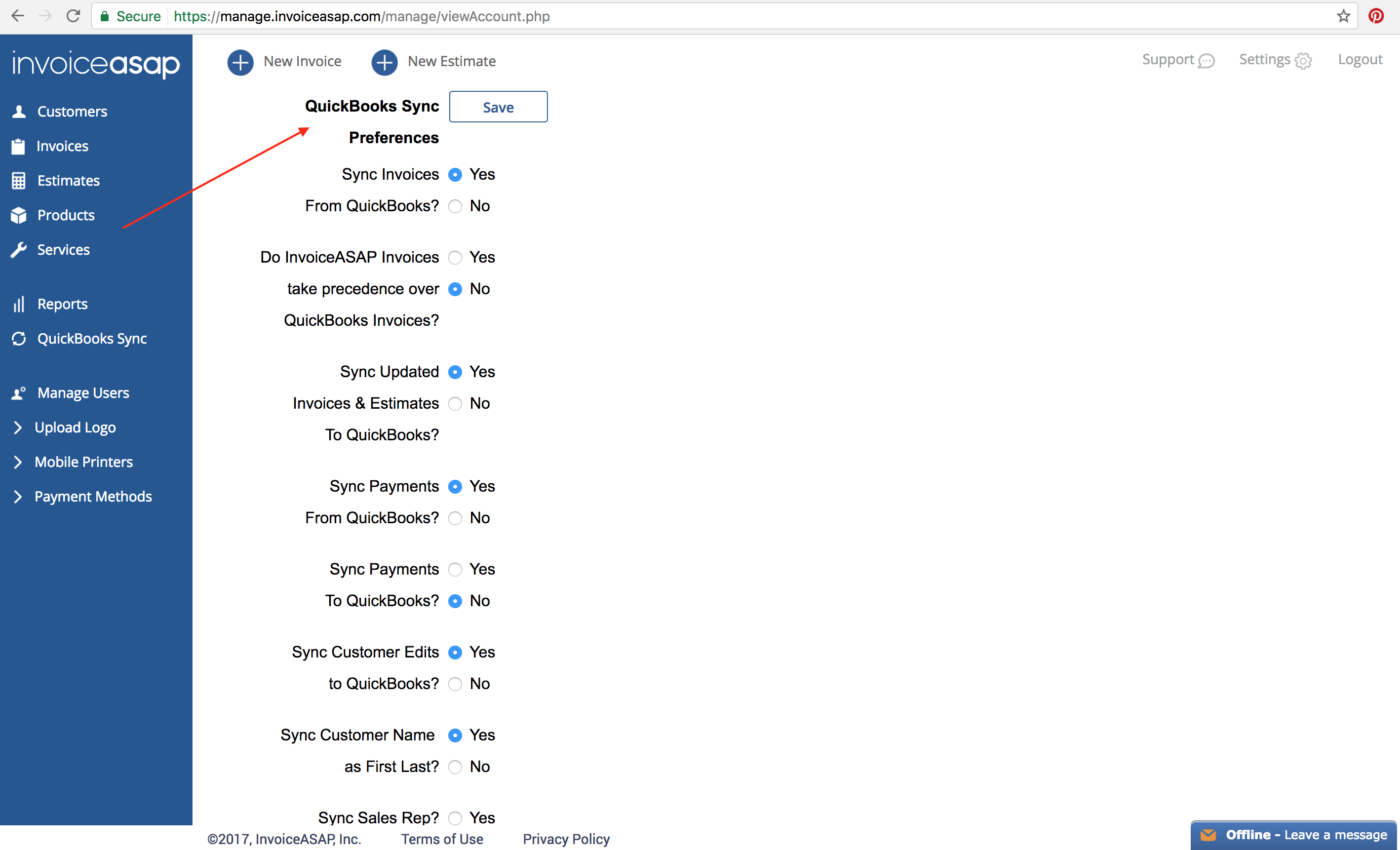
Web Dashboard: Edit QuickBooks Sync Preferences in InvoiceASAP 1. From your computer, log into the Web Dashboard. 2. Click on Settings. 3. Scroll down to QuickBooks Sync Preferences. Have more questions? Submit a request 0 Comments Please sign in to leave a comment.
0 Comments