Follow
Web Dashboard: Sent Invoice - Edit Outgoing Email Message
1. From your computer, log into the Web Dashboard.
2. Click on Settings.
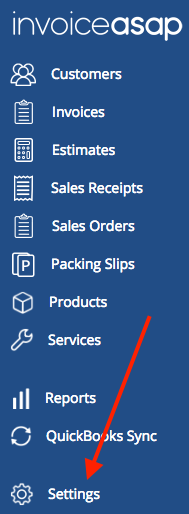
3. Click Document Settings.
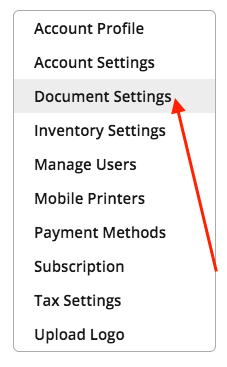
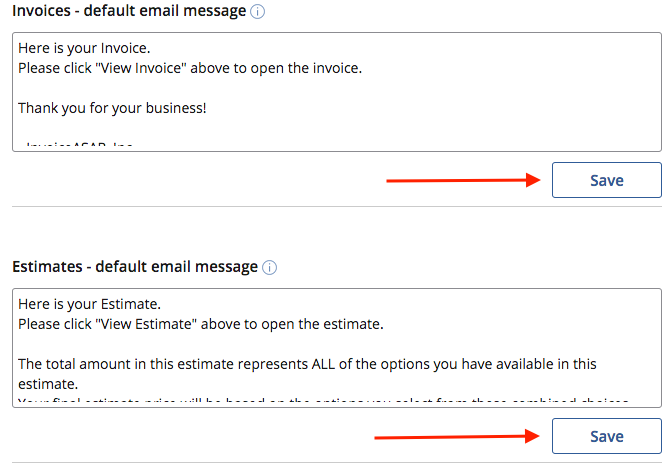
4. Scroll down to Invoices - default email message. Edit your outgoing message for invoices & estimates and click Save.
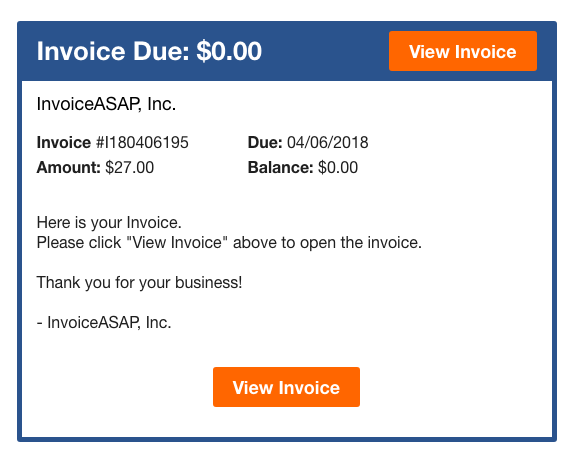
5. Here is what the customer will see.
Have more questions?
Submit a request
0 Comments