Follow

Web Dashboard: Delete Multiple Invoices

1.  From your computer, go to  InvoiceASAP's Web Dashboard


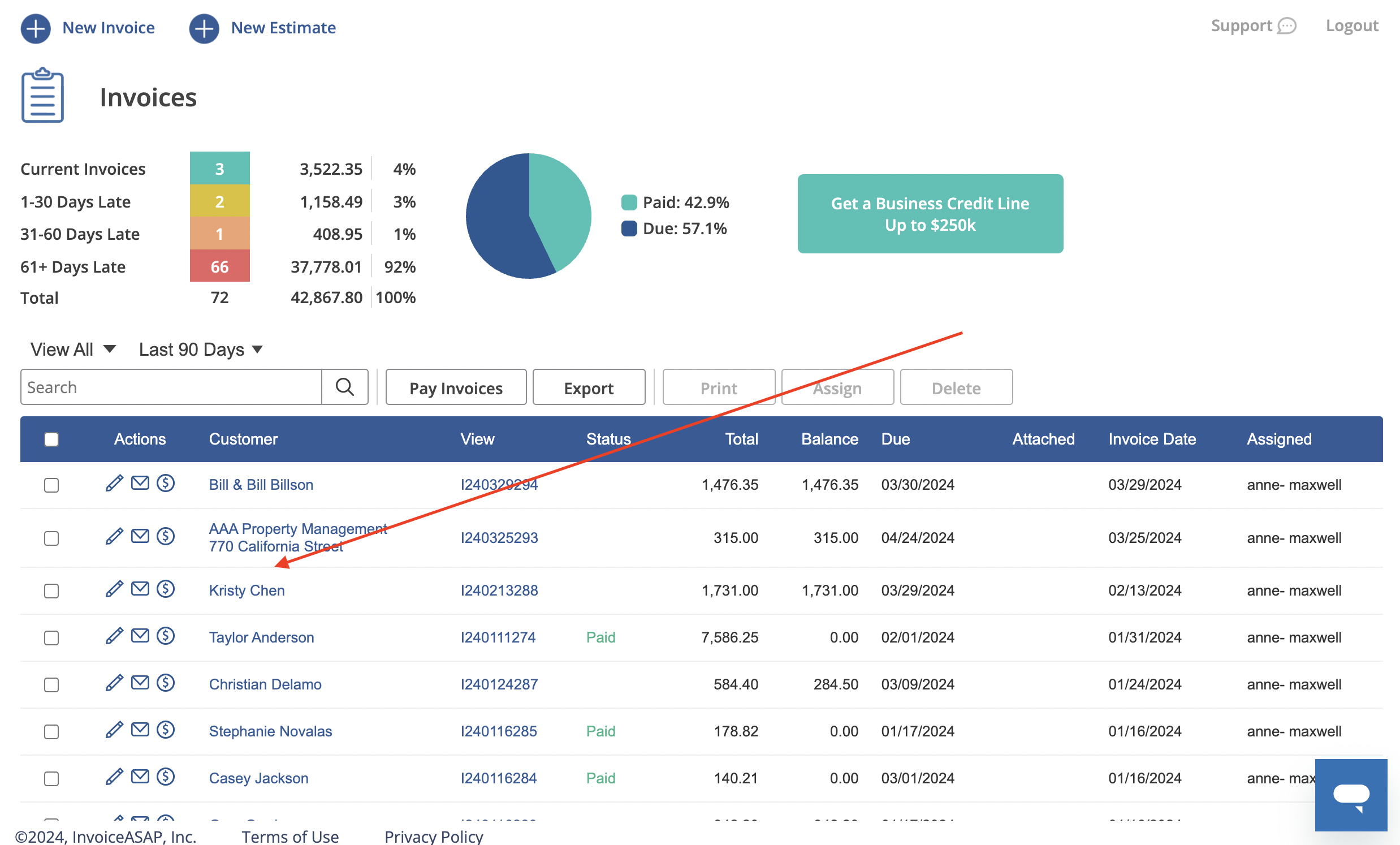
2.  Click on Invoices.

Screen_Shot_2017-08-18_at_3.10.31_PM.png


3.  Click on the checkbox to select invoices you want to delete. Then click the Delete button.

02-select-and-delete.png


4.  Click 'Ok' to confirm.

Screen_Shot_2017-08-18_at_3.10.58_PM.png


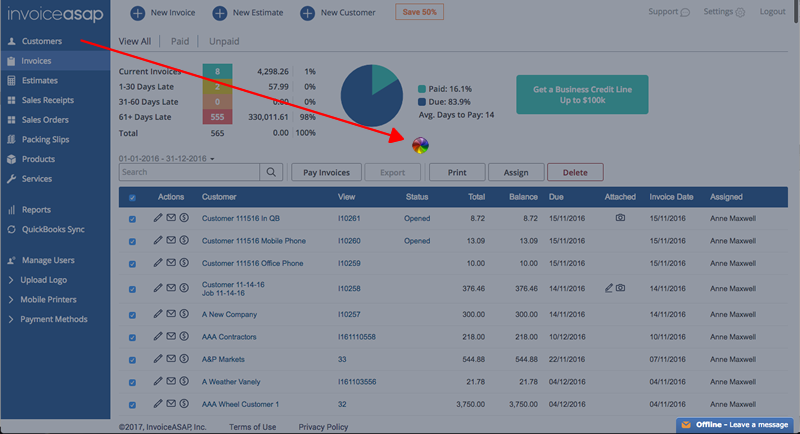
5.  If you have a lot of invoices to delete, the screen will gray and a spinner appears.
Be patient while InvoiceASAP deletes the invoices.
The more invoices there are, the longer it will take.


6.  When the delete process has finished, the screen refreshes.  
All delete invoices are gone.
03-all-gone.png


Was this article helpful?
0 out of 0 found this helpful
Have more questions? Submit a request

0 Comments

Please sign in to leave a comment.
Powered by Zendesk