Follow

Web Dashboard: Edit User's Credentials & Permissions

1. From your computer, log into the Web Dashboard.


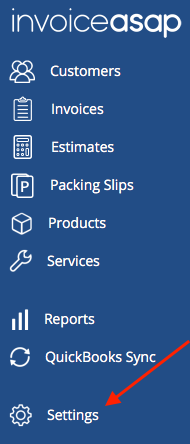
2. Click on Settings.
Screen_Shot_2018-06-05_at_10.15.48_AM.png


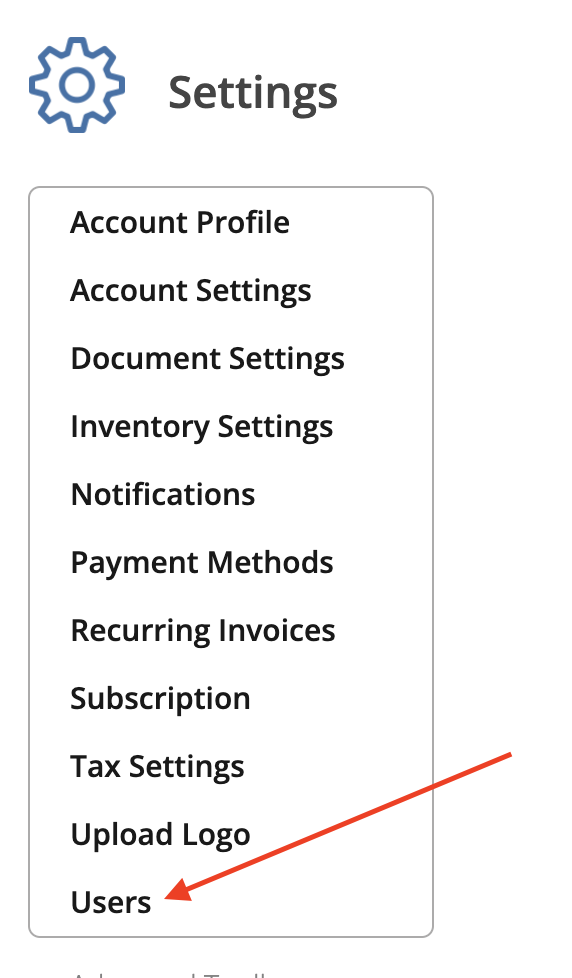
3. Click Users.

Screen Shot 2023-09-08 at 9.37.27 AM.png


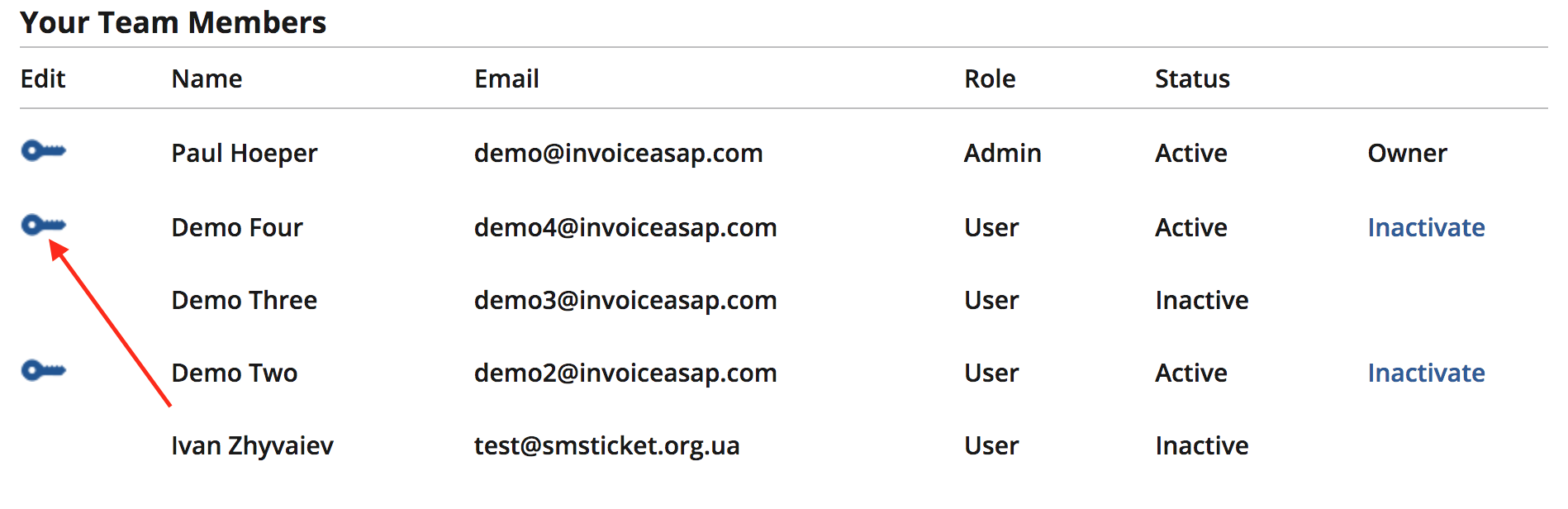
4. Click Key Icon.

Screen_Shot_2017-07-12_at_11.30.06_AM.png


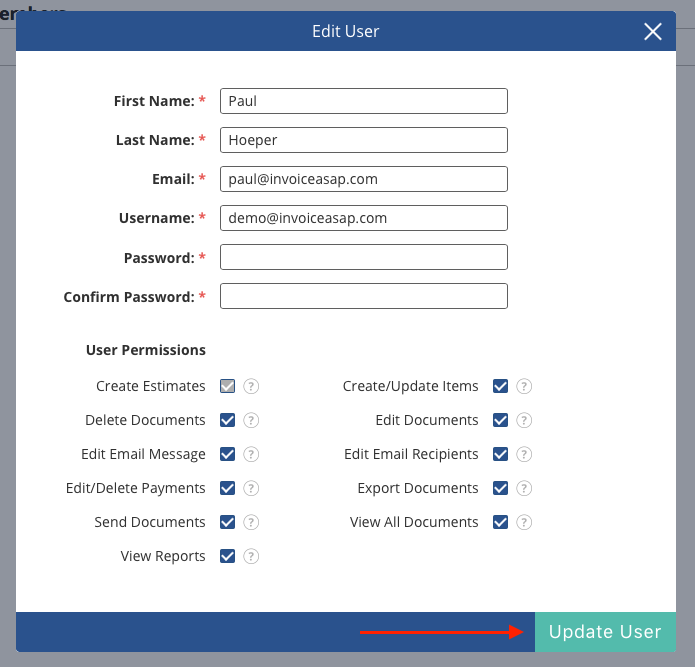
5. You can edit the user's name, email address, password, and permissions.
Screen_Shot_2018-06-05_at_10.52.34_AM.png


 Have the user click Refresh on their mobile device.
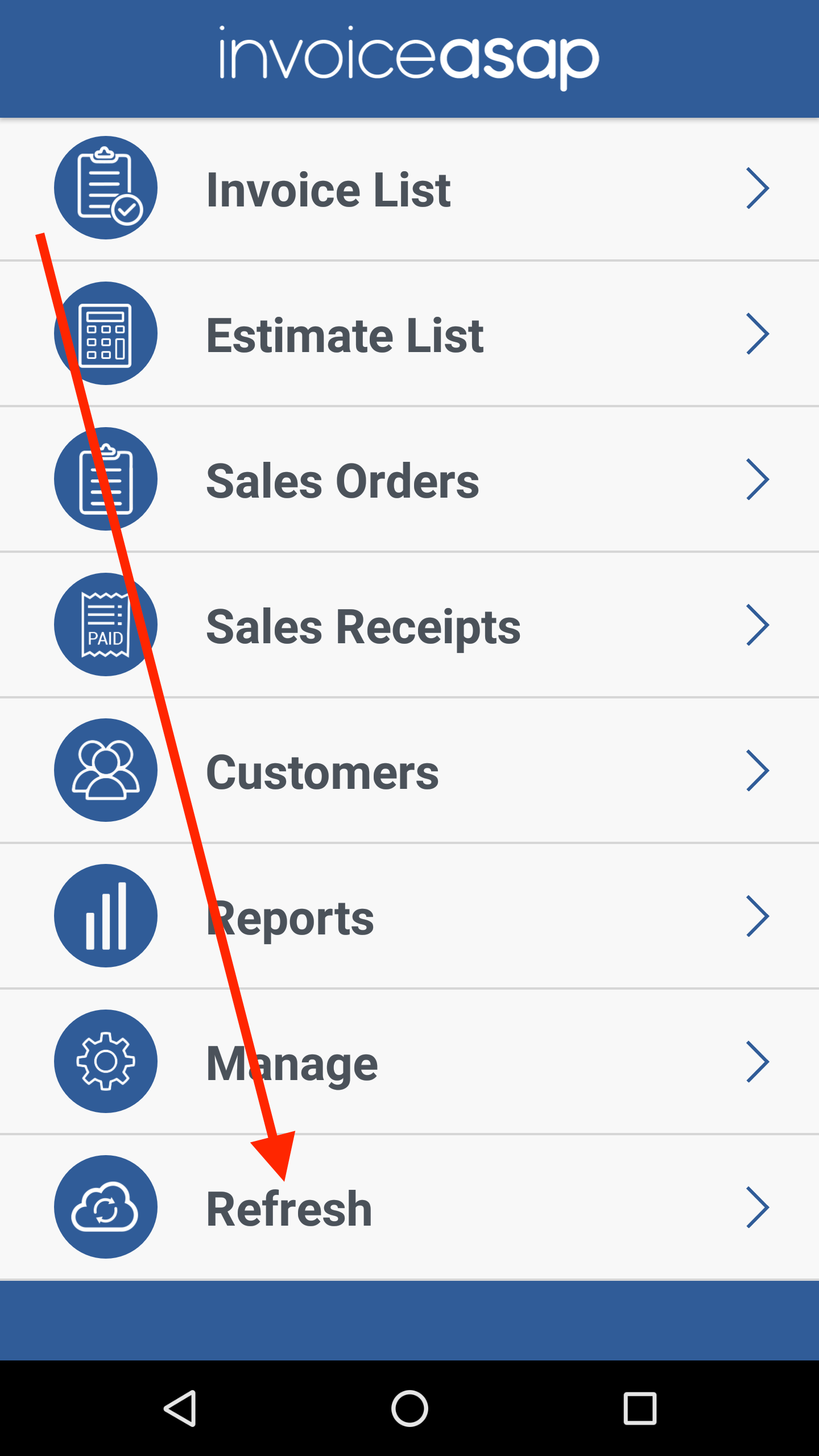
Screenshot_20170901-154224.png 


Was this article helpful?
0 out of 0 found this helpful
Have more questions? Submit a request

0 Comments

Please sign in to leave a comment.
Powered by Zendesk