Follow
Web Dashboard: Zebra Configuration Report
All iMZ support articles are here:
Here's a short description of how to run the configuration report:
-
Turn the printer off
-
Press the left (printer feed button)
-
Press the right On button
-
As soon as the green light comes on remove the right button, then the left button
-
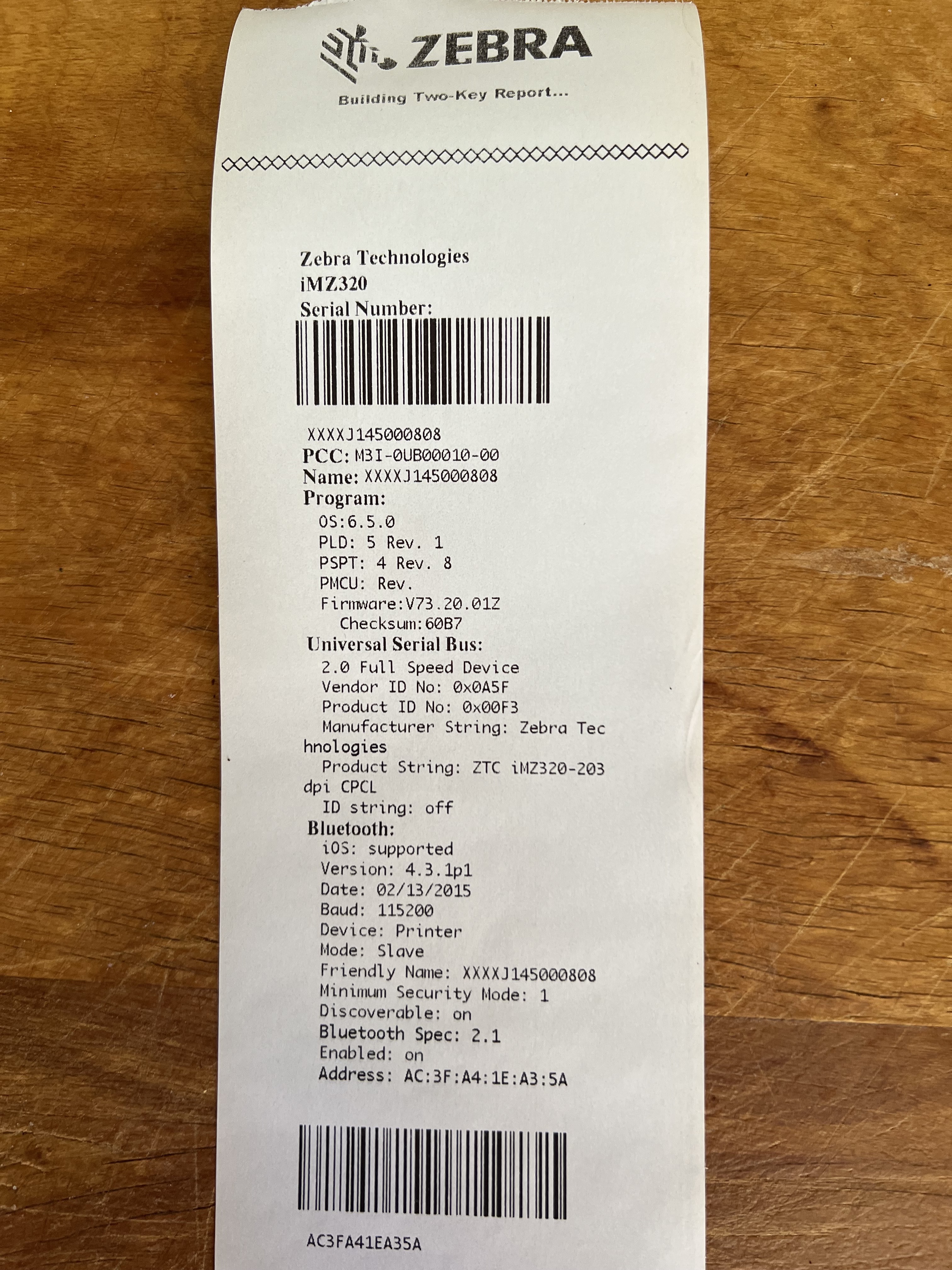
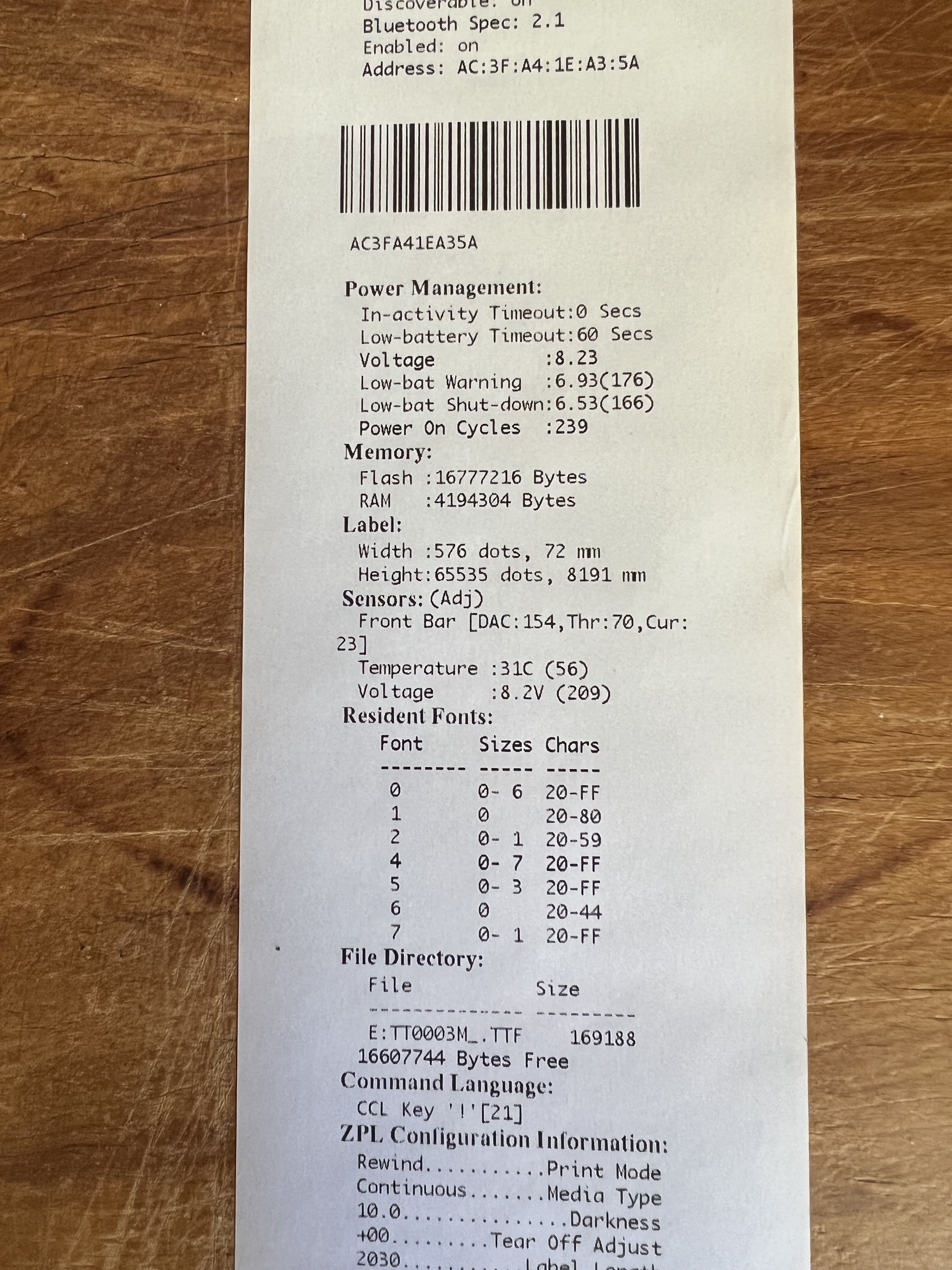
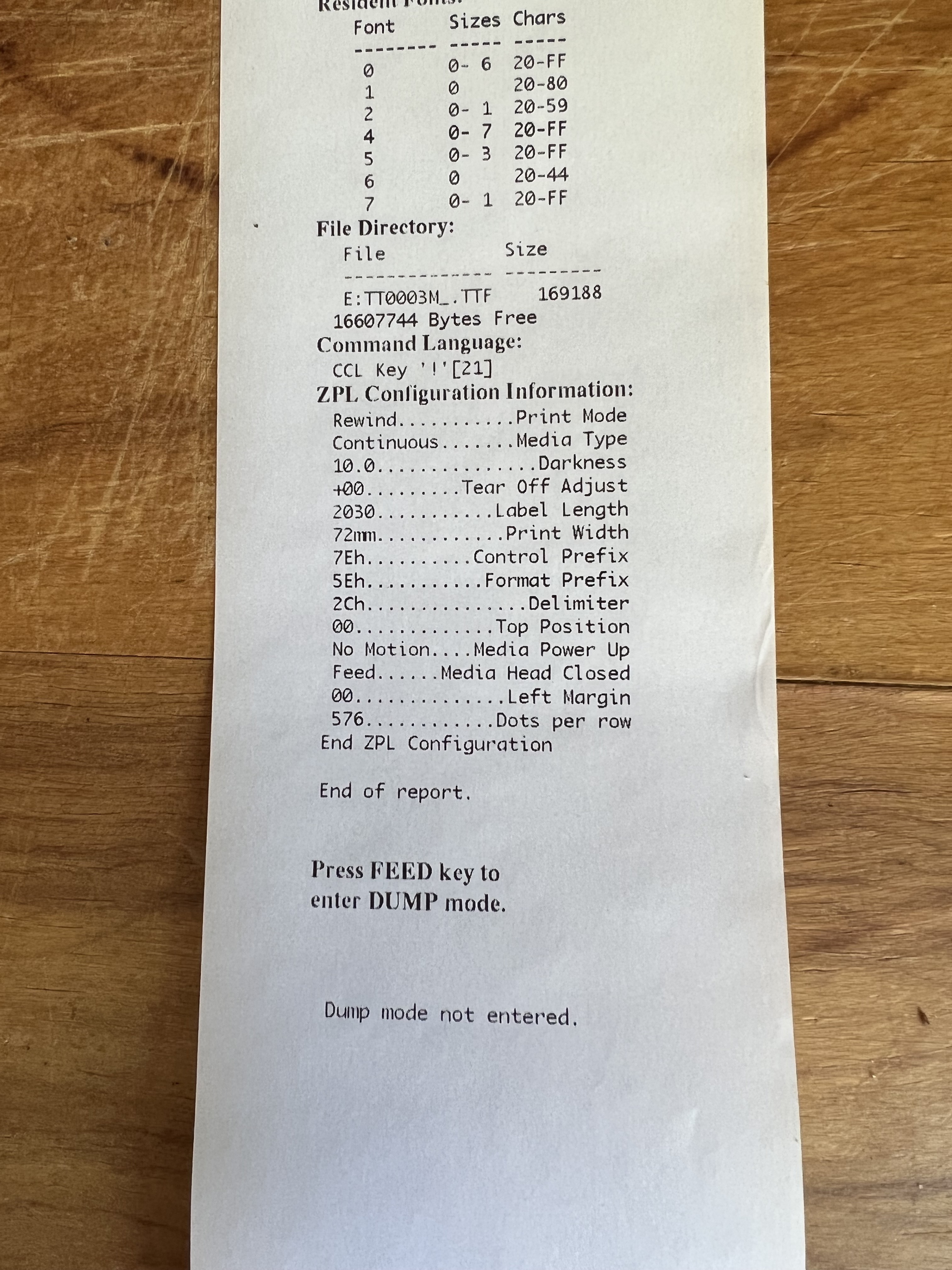
The green light will start flashing, and the configuration report will print
Here is what the Configuration Report should look like.
Have more questions?
Submit a request
0 Comments