Follow
Web Dashboard: Inactivate Users
1. From your computer, log into the Web DashBoard.
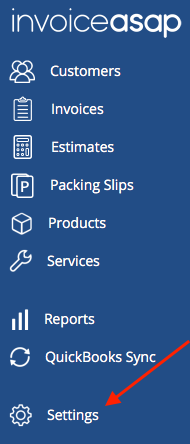
2. Click on Settings.
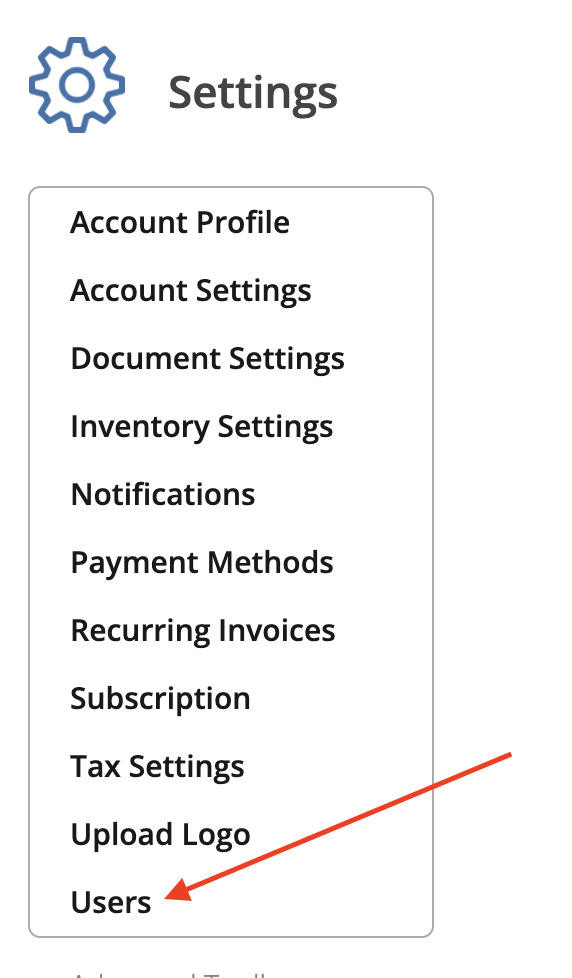
3. Click on Users.
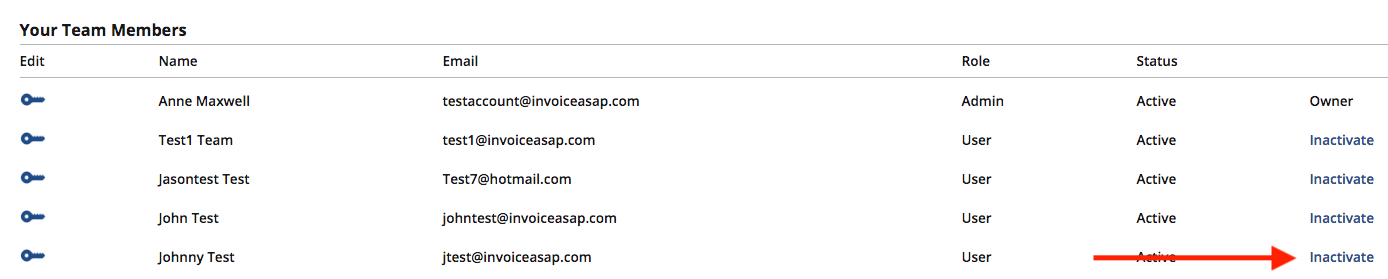
4. To remove a user, click on Inactivate on the user you want to remove.
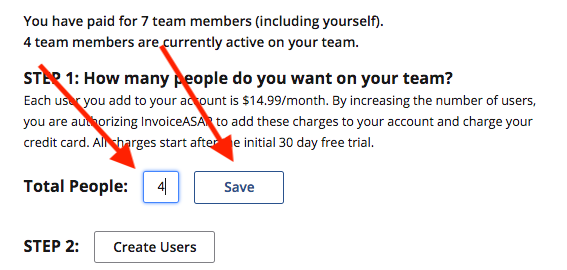
5. Change the number of Total Users then click Save.
Have more questions?
Submit a request
0 Comments